In today’s digital landscape, domain spoofing has become a significant concern for businesses and individuals alike. This article explores what spoofed domains are, how they work, the risks associated with them, and how to protect yourself from these malicious practices.
What Are Spoofed Domains?
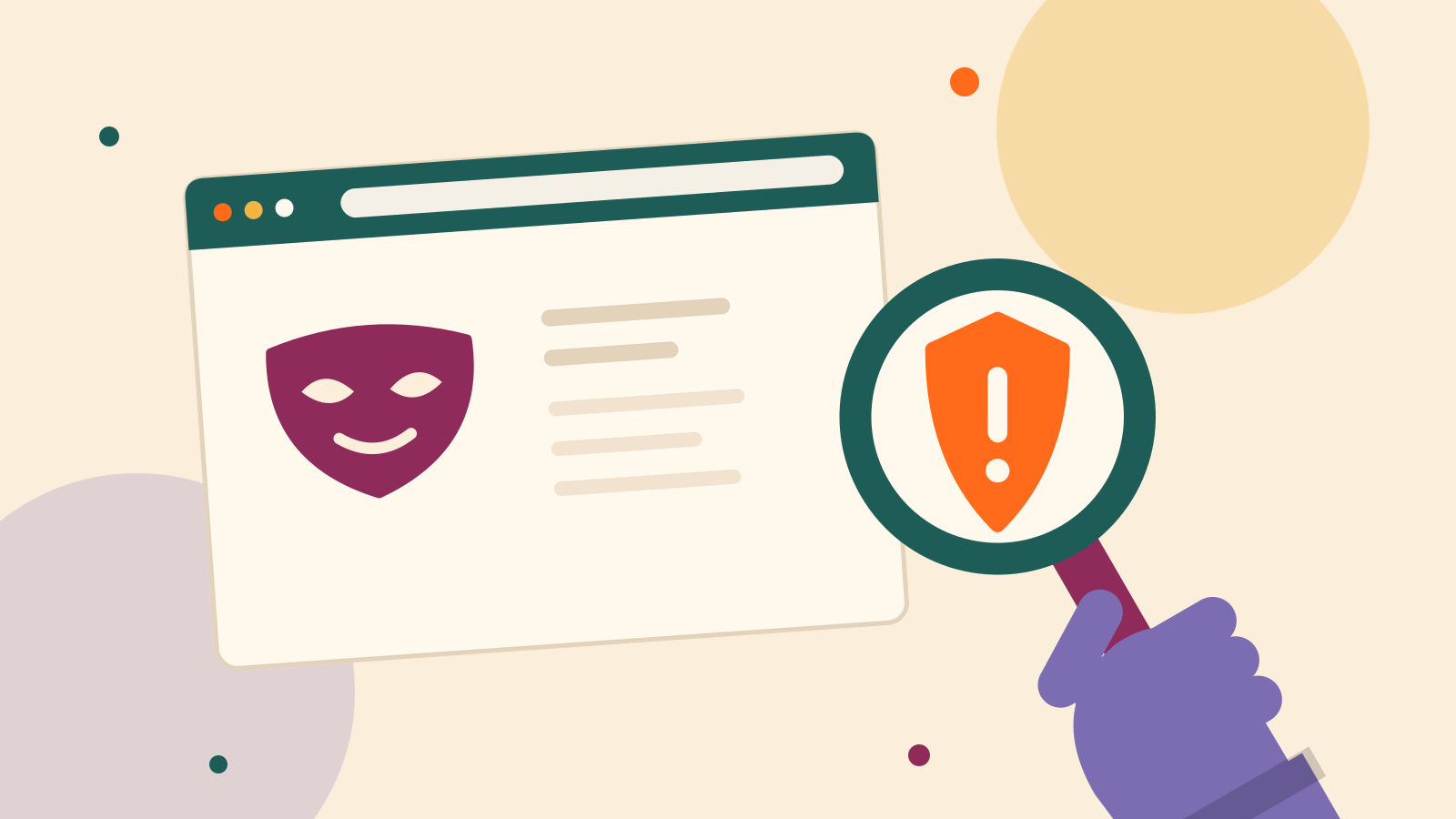
Spoofed domains are fake or fraudulent domains created to imitate legitimate websites. These domains are often used in cyberattacks to deceive users into believing they are visiting a trustworthy site. The primary goal of domain spoofing is to trick individuals into providing sensitive information or downloading malicious software.
How Spoofed Domains Work
Spoofed domains work by mimicking the appearance and functionality of legitimate websites. Here’s a simplified breakdown of the process:
- Domain Creation: Cybercriminals register a domain name that looks similar to a legitimate website’s domain. For instance, they might use slight variations or misspellings of the original domain name.
- Imitating the Legitimate Site: Once the spoofed domain is set up, attackers replicate the design and content of the real website. This makes it challenging for users to distinguish between the genuine and the fake site.
- Deceptive Practices: The spoofed site may ask users to enter personal information, such as login credentials or financial details. In some cases, it might prompt users to download malicious software.
- Harvesting Information: The information collected from unsuspecting users is then used for various malicious purposes, including identity theft, financial fraud, or further cyberattacks.
Risks of Spoofed Domains
1. Identity Theft
One of the major risks associated with spoofed domains is identity theft. When users unknowingly enter their personal details on a fake website, cybercriminals can use this information to steal identities, open fraudulent accounts, or commit other forms of financial fraud.
2. Financial Loss
Spoofed domains can lead to significant financial losses. If users enter credit card details or banking information on a fraudulent site, their financial information can be stolen and used for unauthorized transactions.
3. Malware Infection
Spoofed domains may also be used to distribute malware. By tricking users into downloading malicious software, attackers can infect devices with viruses, ransomware, or other types of harmful programs.
4. Reputation Damage
For businesses, a spoofed domain can damage their reputation. Customers who fall victim to spoofing may blame the legitimate company for the security breach, leading to a loss of trust and potential harm to the brand’s image.
How to Identify Spoofed Domains
1. Check the URL Carefully
Always examine the URL of a website before entering any personal information. Spoofed domains often use slight variations in spelling or additional characters to imitate legitimate sites. Look for misspellings or unusual domain extensions.
2. Verify Website Security
Check for signs of website security, such as HTTPS in the URL and a padlock icon next to it. Legitimate sites usually have these security indicators, though some sophisticated spoofed domains may also include them.
3. Look for Contact Information
Legitimate websites often provide clear contact information, including customer service numbers and also email addresses. A lack of contact details or suspicious-looking contact forms can indeed be a red flag.
4. Use Domain Lookup Tools
Use domain lookup tools in order to check the registration details of a domain. These tools can reveal information about the domain owner as well as the registration date, which can help identify potentially fraudulent sites.
Protecting Yourself from Spoofed Domains
1. Educate Yourself and Others
Education is key in protecting against spoofed domains. Learn in order to recognize the signs of phishing attempts and educate others about the risks associated with these domains.
2. Use Strong Security Software
Install and regularly update security software that can detect as well as block phishing attempts and malicious websites. Many antivirus programs now include features specifically designed to protect against spoofed domains.
3. Enable Two-Factor Authentication
Enable two-factor authentication (2FA) for your online accounts. This adds an extra layer of security, making it harder for attackers to access your accounts even if they have obtained your login credentials.
4. Report Suspicious Sites
If you encounter a suspicious domain, report it to the relevant authorities or organizations. Many browsers and also security companies have mechanisms for reporting phishing sites.
Conclusion

Spoofed domains pose a serious threat to online security, but understanding how they work and taking proactive measures can help protect you from falling victim to these malicious practices. By being vigilant, verifying website authenticity, and using robust security tools, you can indeed safeguard your personal information and financial assets from the risks associated with domain spoofing. As the digital world continues to evolve, staying informed as well as cautious will be your best defense against these deceptive tactics.
Frequently Asked Questions
1. What are spoofed domains?
Answer: Spoofed domains are fake websites created in order to mimic legitimate sites. They deceive users into entering personal information and also downloading malware.
2. How can I tell about such domains?
Answer: Check for URL discrepancies, verify website security indicators (HTTPS and padlock icon), as well as look for clear contact information to identify these domains.
3. What are the risks with these domains?
Answer: Risks include identity theft, financial loss, malware infection, and also damage to a legitimate business’s reputation.
4. How can I protect myself from such domains?
Answer: Educate yourself, use strong security software, enable two-factor authentication, and report suspicious sites in order to protect against spoofed domains.
Learn in 60s
Short vertical lessons from our team. Tap to watch, swipe for the next.
 1:03Ep 10: Protections and blocks
Ep 10: Protections and blocks
 1:07Ep 9: Pricing rules after the Google ruling
Ep 9: Pricing rules after the Google ruling
 0:57Ep 8: First-price auctions and bid shading
Ep 8: First-price auctions and bid shading
 1:03Ep 7: Open Bidding, Google’s server-side header bidding
Ep 7: Open Bidding, Google’s server-side header bidding
 1:03Ep 6: Dynamic allocation
Ep 6: Dynamic allocation
 1:00Ep 5: Key-values: how header bidding talks to Ad Manager
Ep 5: Key-values: how header bidding talks to Ad Manager
 1:06Ep 4: Line item priorities
Ep 4: Line item priorities
 1:05Ep 3: Orders, line items, creatives
Ep 3: Orders, line items, creatives
 1:07Ep 2: How a page asks for an ad: the GPT tag
Ep 2: How a page asks for an ad: the GPT tag
 1:05Ep 1: AdSense vs Ad Manager vs AdX
Ep 1: AdSense vs Ad Manager vs AdX