 1:06
Ep 3: Lazy loading ads without losing impressions
Myth. Lazy loading your ads throws impressions away.
Lesson notes
Myth. Lazy loading your ads throws impressions away.
Lazy loading means an ad is requested only when its slot gets close to the screen.
On news.example, an article has five ad slots. Without lazy loading, all five load at once. Say half your readers never reach slot five. That ad loads anyway, unseen, slowing the page and hurting viewability. With lazy loading in the Google Publisher Tag, you set two margins. Fetch the ad one screen away. Render it at half a screen. You mostly drop impressions nobody would see. The real risk is a margin that’s too tight. If your auction takes one second and a reader scrolls past faster, the slot arrives empty. That impression really is lost. Phones scroll faster, so widen the margins there.
Compare viewable impressions per page view before and after. If they fall, widen the fetch margin.
Next, ad refresh, time-based versus viewable.
 Go deeper · 3 min readHow to Improve Ad Viewability
Up next in this series
 1:11Ep 4: Ad refresh: time-based vs viewable
Ep 4: Ad refresh: time-based vs viewable
 1:10Ep 5: Invalid traffic: GIVT vs SIVT
Ep 5: Invalid traffic: GIVT vs SIVT
 1:12Ep 6: MFA: how not to be mistaken for one
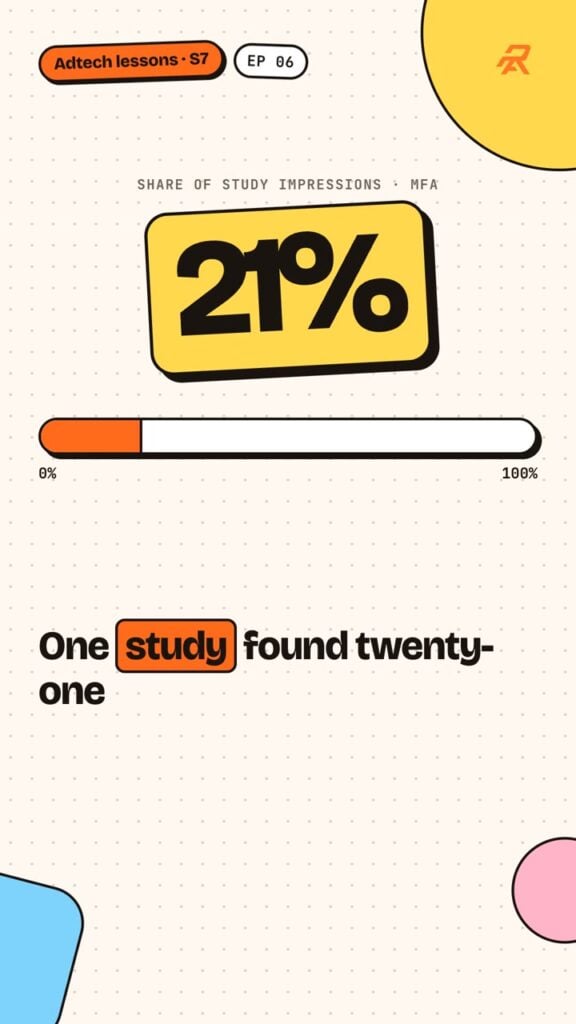
Ep 6: MFA: how not to be mistaken for one
 1:07Ep 7: Brand safety vs brand suitability
Ep 7: Brand safety vs brand suitability
 1:10Ep 8: Why Ad Manager and your SSP never agree
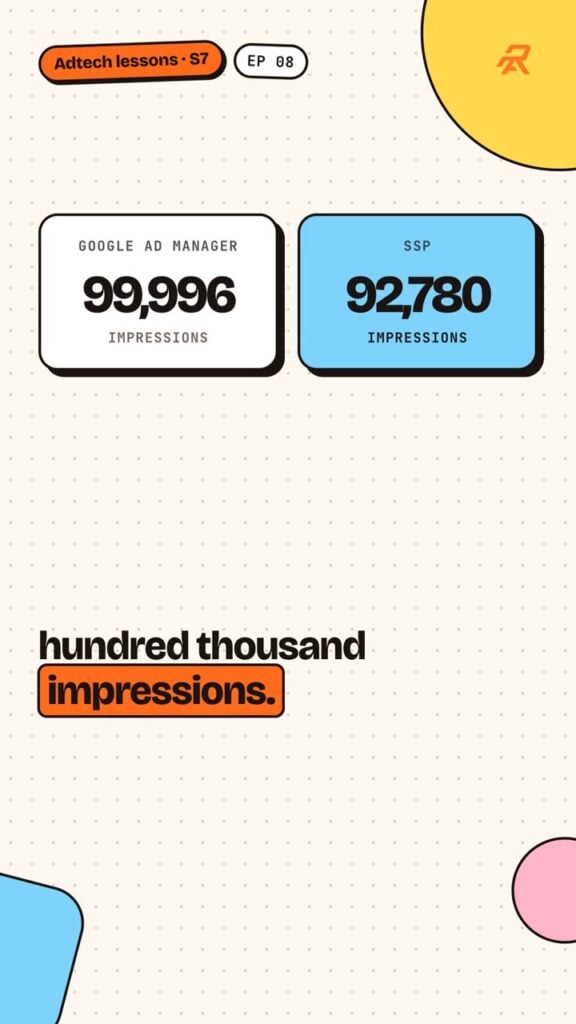
Ep 8: Why Ad Manager and your SSP never agree
 1:03Ep 9: Testing a new demand partner properly
Ep 9: Testing a new demand partner properly
 1:07Ep 10: Incremental vs cannibalised revenue
Ep 10: Incremental vs cannibalised revenue
 1:08Ep 1: Why ads slow pages, and what slow costs you
Ep 1: Why ads slow pages, and what slow costs you
 1:05Ep 2: Reserve the slot: fixing ad layout shift (CLS)
Ep 2: Reserve the slot: fixing ad layout shift (CLS)